Turning a hexadecimal color like #4A90E2 into its RGB components is a routine step for anyone designing websites or apps, yet beginners often trip over a handful of avoidable errors. Understanding the exact conversion process and spotting common pitfalls can keep your color palette consistent across browsers and prevent wasted debugging time.
Why Precise Conversion Matters
Web standards treat colors as numbers; a slight miscalculation can shift a brand’s hue enough to break visual identity. Moreover, developers who manually type RGB values into CSS sometimes forget that browsers interpret the three numbers (red, green, blue) on a 0‑255 scale, not as percentages. Getting the conversion right from the start eliminates the need for later overrides, media‑query tweaks, or unexpected accessibility contrasts.
Step‑by‑Step Conversion Without Guesswork
Follow this exact workflow to move from hex to RGB:
- Strip the leading # – For
#4A90E2, you are left with4A90E2. - Split into three pairs –
4A(red),90(green),E2(blue). - Convert each pair from base‑16 to decimal:
4A→ 7490→ 144E2→ 226
- Assemble the RGB tuple – The result is
rgb(74, 144, 226).
Most scripting languages provide a built‑in function (e.g., parseInt('4A', 16) in JavaScript) that handles the base‑16 conversion, reducing manual errors.
Common Rookie Mistakes and How to Dodge Them
- Skipping the leading zero: Hex values like
#09Fare shorthand for#0099FF. Expanding them before conversion prevents a missing‑digit error. - Confusing 0‑255 with 0‑100%: An RGB component of
255equals 100 % intensity, not the literal string “255%”. Using percentages in CSS (e.g.,rgb(100%, 0%, 0%)) is valid but must be deliberate. - Mixing up order: Hex always follows red‑green‑blue; swapping the pairs will produce a completely different hue.
- Ignoring case sensitivity: Hex is case‑insensitive, but some manual transcription tools treat
aandAdifferently, leading to mismatched values. - Relying on eye‑balling: Human estimation of brightness is unreliable. Verify with a color picker or the browser’s dev tools.
Quick Validation Tools
Even after a careful manual conversion, it’s wise to double‑check with a trusted utility:
- Browser dev consoles (Chrome, Firefox) let you paste
#4A90E2and instantly see the RGB output. - Online converters such as “hex2rgb.com” provide a one‑click verification, highlighting any formatting mismatches.
- IDE extensions (e.g., VS Code’s “Color Highlight”) underline incorrect values in real time.
Implications for Accessibility and Branding
Accurate RGB values influence contrast ratios, a key metric under WCAG 2.1 guidelines. A mis‑converted color can drop a contrast score from AA to failing, jeopardizing legal compliance for public‑facing sites. Consistent conversion also ensures that brand guidelines propagate correctly from design mockups to code, preserving the intended visual impact across devices.
Bottom‑Line Checklist
- Expand three‑digit hex to six‑digit format.
- Separate into red, green, blue pairs.
- Convert each pair using a reliable base‑16 method.
- Confirm the resulting
rgb(r, g, b)string with a validator. - Test contrast against adjacent colors to meet accessibility standards.
By adhering to these steps and staying alert to the pitfalls listed above, even a curious beginner can master hex‑to‑RGB conversion without costly rework. The payoff is a cleaner stylesheet, fewer browser quirks, and a design that looks exactly as intended across the board.
Samir Nasri Of Manchester City Hi-res Stock Photography And Images - Alamy

Manchester Citys Samir Nasri Celebrates Scoring His Sides Fourth Goal

Manchester City's Samir Nasri Celebrates Scoring The Opening Goal Of
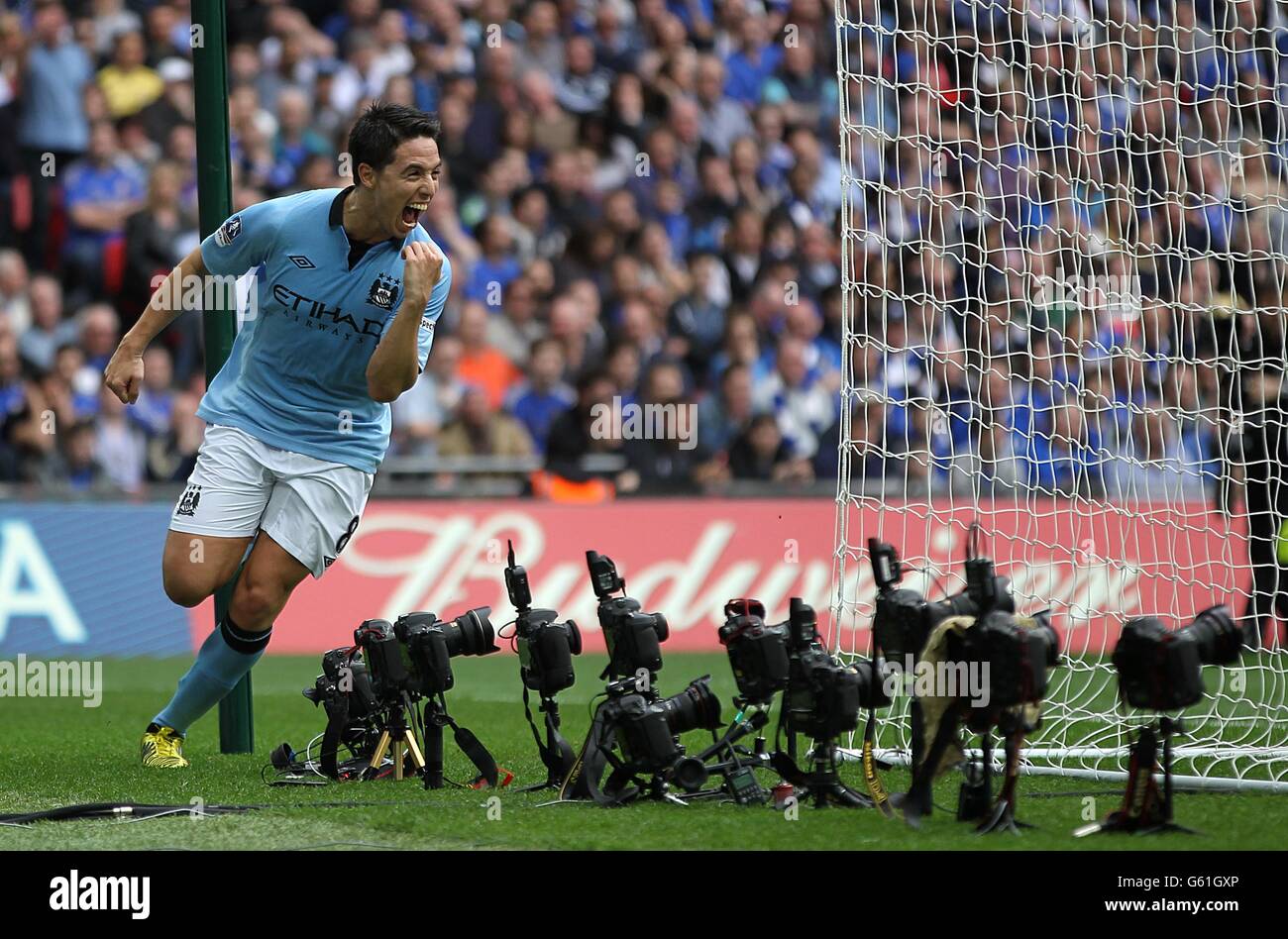
Manchester Citys Samir Nasri Celebrates Scoring His Sides Fourth Goal

Samir Nasri Manchester Goal Hi-res Stock Photography And Images - Alamy